Keep Batch Two Identical: SKU Codes, Artwork Files and the Spec Freeze That Protects Reorders
The Problem: Batch Two Should Be a Copy, Not a Cousin
Nothing is more frustrating than a reorder that arrives looking slightly different — the glaze reads warmer, the logo sits two millimetres lower, the box says last season's model number. The cause is rarely a factory that ignored you. It is usually a specification that drifted between order one and order two: a SKU that was renumbered during a stock take, an artwork file that was edited and saved under a new name, a carton mark copied from an older order. This guide shows how repeat buyers stop the drift by freezing specifications at the moment of the first order — so every reorder is a copy of an agreed reference, not a reconstruction from memory.
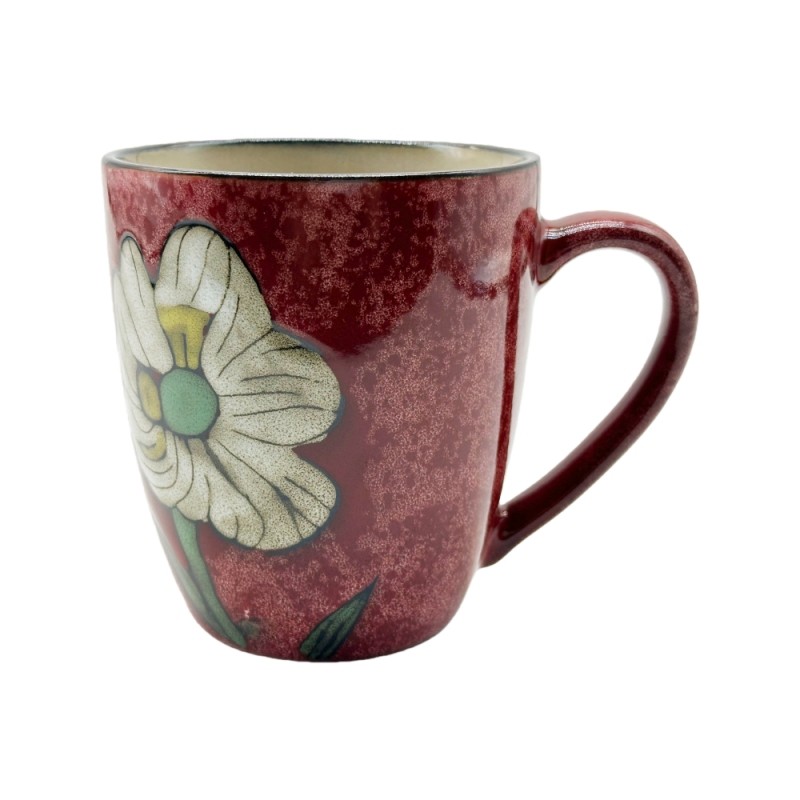
Products in this guide: Reactive Glaze Ceramic Mug 390-400ml · Kiln-Varied Gradient Ceramic Mug 360ml
Where This Fits in the Sourcing Chain
The first-order guides explained how to write specifications on paper for a carton or an inquiry. The carton and pallet guide explains how to fix packing terms in writing. This guide is about the discipline that comes after approval: how the agreed specification is frozen, versioned and referenced so that a reorder six months later points at the same document instead of starting over. See the full ceramic sourcing process map.
The Spec Freeze: What "Frozen" Actually Means
A frozen specification is a document set that cannot change without a written change order. It covers four layers:
- Product identity. The SKU or item code, the mug body reference (capacity, shape, handle style) and the glaze or colourway name. If the factory renumbers SKUs internally, the freeze maps your code to theirs once, in writing.
- Decoration files. The exact artwork or decal files, with file names and version dates. Artwork is the most common drift point because files get edited for other projects — the freeze names the specific file that batch two must use.
- Packaging and marking. Carton size and material, inner box layout, and every printed mark — the shipping mark, the model number, the barcode, the country-of-origin line. Carton marks age fastest of all.
- Quality reference. The approved sample or master sample that colour, form and finish are judged against — the same sealed-reference principle that keeps repeat batches on colour and form.
How to Freeze Specifications in Practice
- Create the reference set at first order. When batch one is approved, assemble one folder: the final artwork, the confirmed specification sheet, photos of the approved sample, and the packing/marking details. This folder is your reorder reference.
- Name and date every file. "mug_logo_final.ai" is a drift trap; "sku18536365_logo_v3_2026-01-15.ai" is a reference. The version date tells everyone which file is current.
- Put the reference in the reorder. When you place batch two, write "as per reference set dated 2026-01-15" and attach or name the files. Do not resend artwork from memory.
- Route every change through a change order. If batch two genuinely needs a change, make it explicit: what changes, who approved it, and what it affects (price, lead time, sample confirmation). A spec that changed silently is a spec that will change again.
The Reorder Information Block
A clean reorder message carries a short information block that removes ambiguity:
- SKU and mug body reference (your code and the factory's, if different)
- Artwork file name and version date, or "unchanged from batch one"
- Packaging and carton mark reference
- Confirmed quality reference (sample number or photo)
- Any changes listed separately as change items
Send this block in the order or in the pre-production confirmation, and the factory checks production against the reference rather than against whoever happens to remember batch one.
Common Mistakes That Let Reorders Drift
- Reusing an old order's paperwork without checking whether the SKU or artwork has changed since.
- Emailing "the logo" without a file name, so the factory picks whichever version is latest in its own folder.
- Changing the carton mark for a new model but leaving the old mark on the reorder's packing instruction.
- Accepting a silent factory substitution ("we used a slightly different glaze, same look") without recording it — that substitution is now the real reference, and it is undocumented.
How Storiware Handles Reorder References
Storiware keeps order records per SKU and decoration, so a reorder can be raised against the previous order's confirmed specification and artwork rather than rebuilt from scratch. When you place batch two, the factory checks the mug body, glaze, decoration files and packing marks against the frozen record and flags any difference before production — not after. If a change is genuinely needed, it is treated as a change item with its own confirmation, so the reference set stays accurate for batch three.
Buyer Checklist to Protect Your Reorder
- Reference folder created at first-order approval
- Artwork files named with version and date
- SKU mapped between your code and the factory's
- Carton marks and packaging details captured
- Approved sample photo stored in the reference
- Reorder message carries the information block
- Every change routed through a written change order
Batch two should be a copy of batch one — the specification freeze is the mechanism that makes the copy exact.
Related Products
Explore products featured in this guide:

Have questions? See our Sizes & Finishes FAQ and Ordering & Certifications FAQ.
Need a custom quote? Send an inquiry or browse our full product catalog.