
Digitizing the Ceramic Importer: From Spreadsheets to Systems Without Over-Engineering
The Spreadsheet Ceiling
Every ceramic importer starts on spreadsheets — orders, samples, inventory, supplier notes, all in files that only one person fully understands. It works until the business outgrows it: a reorder point missed because the sheet was stale, a supplier score that lives in someone's head, a sample that waited a week because no one tracked it (see our supplier-scorecard, inventory and sampling guides for the processes). Digitization is not about buying software — it is about moving the business from memory and files to systems, step by step, without over-engineering. This guide covers the three systems that matter, the practical path, and the ROI.
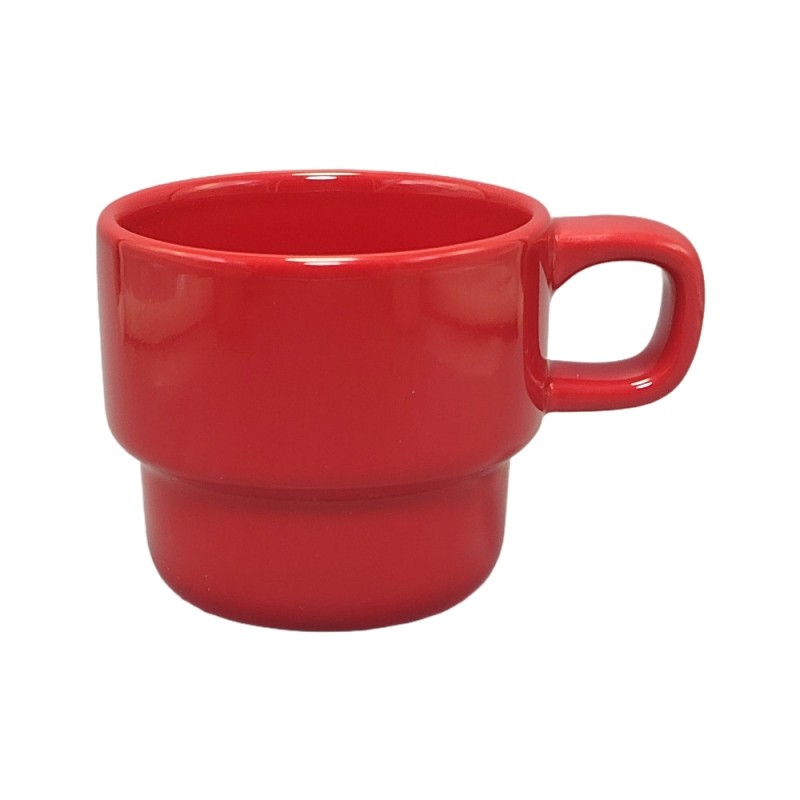
Products in this guide: Safe Colorful Kids Cup · 455ml Marble Ceramic Mug
System 1: The Order and Sample Tracker
The first system to build is the one that tracks the pipeline: every order, every sample, every milestone. The minimum fields: order/sample ID, product, supplier, quantity, dates (requested, expected, actual), status, and the next action. The tracker turns "where is my sample?" from a question asked of memory into a column on a screen.
The upgrade path: start in a spreadsheet with a status column and a shared file; move to a cloud table (or a simple CRM) when more than two people need it; add automation (date reminders, status workflows) only when the manual version becomes the bottleneck. The tracker is not the tool — it is the discipline of a single source of truth.
System 2: The Inventory System
The inventory math from our inventory guide runs on data, and the data needs a home. The minimum: per-SKU current stock, reorder point, dead-stock date (last sale + 90 days), and the supplier and lead time for each SKU. The system should flag the three events automatically: stock below reorder point, dead-stock date reached, and landed-date overdue.
The upgrade path: a spreadsheet with formulas covers the small wholesaler; an inventory or accounting system with purchase orders and landed-cost tracking covers the growing business; ERP (enterprise resource planning) is justified when the business runs multiple locations, currencies and thousands of SKUs — and not before. The ROI: the system catches the reorder that memory misses — one missed reorder of a hot SKU pays for years of software.
System 3: The Supplier Database
The supplier intelligence — scores, history, test reports, contracts, communication — needs a database, not a folder of PDFs. The minimum per supplier: the scorecard dimensions (see our supplier-scorecard guide), order history, key documents (certificates, test reports, contracts), and the contact and escalation path.
The upgrade path: a spreadsheet or cloud table per supplier covers the start; a shared supplier portal or CRM with document storage covers the growth; integration with the order system happens when the business runs on data. The ROI: the supplier database turns the annual review (see our scorecard rhythm) from a week of digging through files into an hour of reading a dashboard — and it makes the alternates (see our multi-supplier guide) actually qualified and ready.
The Excel-to-ERP Path — Without Over-Engineering
The discipline of digitization is matching the system to the size:
- Stage 1 (1-2 people, a few dozen SKUs): structured spreadsheets with formulas and shared access — the three systems above as disciplined sheets. Enough to run on data, cheap to maintain.
- Stage 2 (2-5 people, growing catalog): cloud tables or a simple procurement/inventory tool — shared, with basic automation (status reminders, reorder flags). The step most importers need and the one most skip.
- Stage 3 (multiple locations or thousands of SKUs): a proper system — ERP or a procurement suite with purchase orders, landed cost, multi-currency and reporting. The cost is justified by the scale; buying ERP before Stage 3 is over-engineering.
The rule: never buy a system to fix a process that is not yet defined. Digitize what the business already does on paper — the systems above are the processes, and the software follows.
The ROI of Data
The return on digitization shows up in three places: fewer missed reorders and dead-stock write-offs (inventory system), faster answers to customers and factories (order tracker), and supplier decisions made on scorecards instead of memory (supplier database). The common thread is the same: the business stops running on the owner's head and starts running on data — and data scales, while memory does not.
The Digitization Checklist
Before investing in any tool, confirm: the three systems are defined as processes first (order/sample tracker, inventory system, supplier database); the current stage matches the tool (sheets for Stage 1, cloud tools for Stage 2, ERP for Stage 3); the data is collected from today — the reorder points, the scorecards, the milestones — so the system starts with truth, not with migration work; and the owner's head is replaced as the source of truth for at least the inventory and the supplier scores. Digitization is a habit before it is a purchase — the importers who run on data today are the ones who scale tomorrow.
"Digital-Ready Ceramic Programs"
Explore products featured in this guide:

Have questions? See our Sizes & Finishes FAQ and Ordering & Certifications FAQ.
Need a custom quote? Send an inquiry or browse our full product catalog.